Starburst mobile runs on iOS and Android smartphones and tablets through NetEnt Touch technology, delivering smooth HTML5 performance inside the mobile browser with no download required.
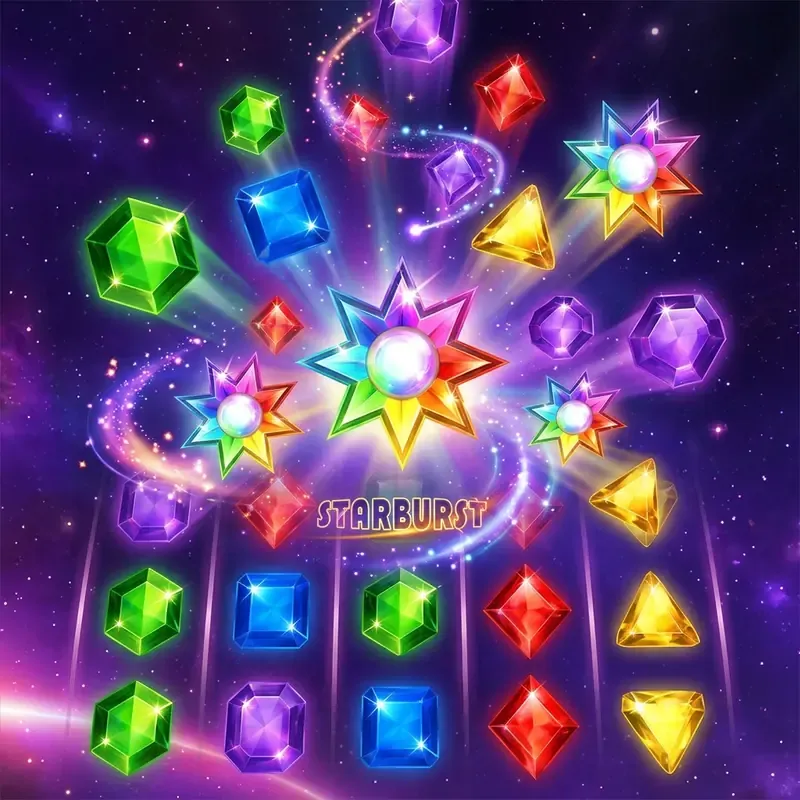
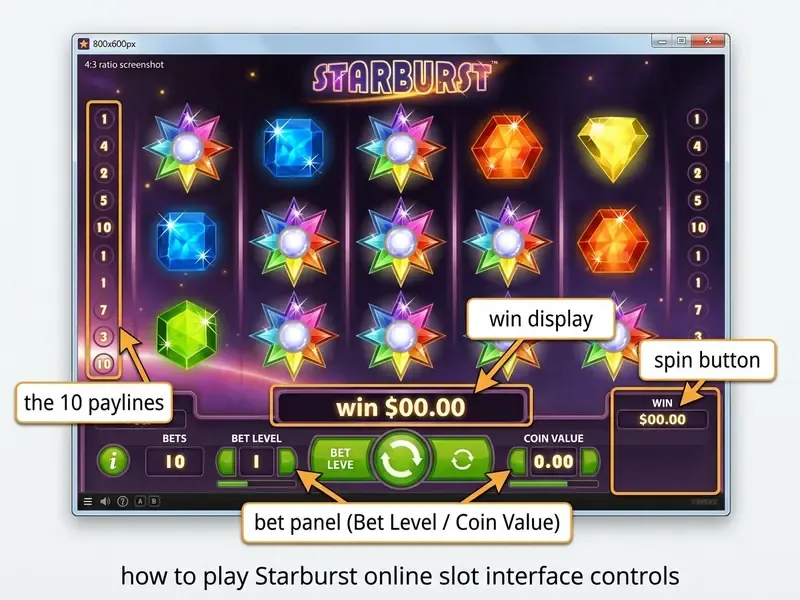
The mobile build keeps the same paytable, RTP configuration and expanding wild mechanics as the desktop edition. The interface adapts to touchscreens, putting the spin button and bet sliders within thumb reach. Those bold gem symbols were designed for legibility, so portrait play on a 6-inch screen stays readable, which is a genuine advantage over more detailed online slots that compress into unreadable icons.
Connection stability matters more than raw speed here. On Australian networks such as Telstra, Optus and Vodafone, a stable 4G or 5G signal is generally enough for HTML5 slot play, though patchy coverage or a mid-spin handover between towers can interrupt a round. Certified games resume unfinished rounds when the session reconnects, but switching to reliable Wi-Fi before a longer session is simply safer.
[MOBILE READINESS CHECKLIST]
- [ ] Operating system: confirm iOS or Android is updated to a supported version.
- [ ] Demo availability: check that the free version loads before you fund an account.
- [ ] Storage and battery: keep 1-2 GB free and battery above 20% (or stay on charge) to avoid a mid-session shutdown.
- [ ] Network stability: connect to secure Wi-Fi or a stable 4G/5G signal to prevent spin interruption.
- [ ] Browser cache: clear the mobile browser cache for cleaner HTML5 rendering.
- [ ] VPN and firewall: disable restrictive proxies that block game servers or breach operator terms.
- [ ] Active RTP check: open the mobile game information panel to verify the operator's active RTP setting.
- [ ] Correct title: confirm you have opened Starburst, not Starburst XXXtreme, if you want the low-variance version.
- [ ] Session limits: set personal time and deposit limits in account controls before the first spin.